Start with the job: connect GitHub through MCP with bounded permissions
Treat the GitHub MCP Server as another GitHub client with whatever access its credential carries. Begin with one repository and one job, then enable only the toolsets needed to inspect or change that repository.
The server does not reduce a token's underlying authority. A model-visible tool list can also make unintended actions easier to request, so credential scope and enabled toolsets must be reviewed together.
Make the operating boundary visible
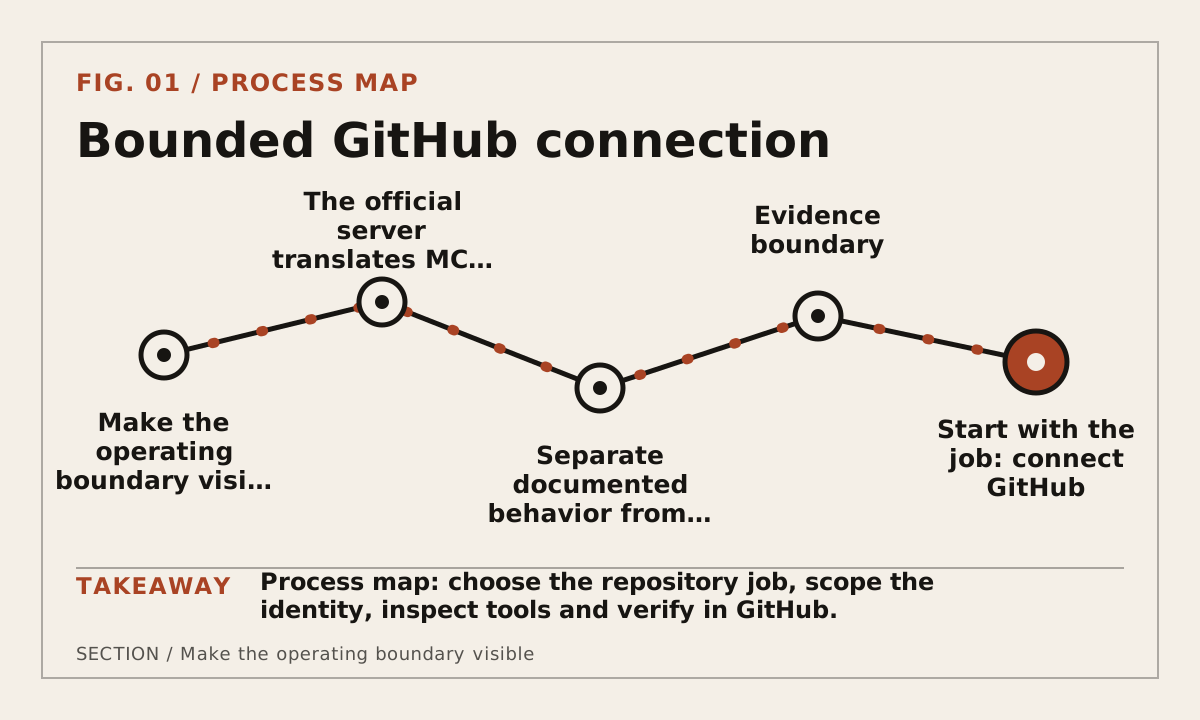
The official server translates MCP tool calls into GitHub API operations. Deployment may be remote or local, but authorization still resolves to GitHub identities, repository permissions and the configured credential.
Bounded GitHub connection
Build a reproducible path
For GitHub MCP Server: Setup, Permissions, and Test, use a small fixture that another developer can repeat without privileged production data. Change one boundary at a time and preserve the exact configuration needed to explain how the page's decision was reached.
- Select a test repository without production secrets or protected workflows.
- Issue the narrowest credential that supports the chosen read-only job.
- Enable only the relevant server toolsets and inspect their schemas.
- Run a permitted read, a denied cross-repository read and credential revocation.
Keep secrets outside the github mcp server artifact. Record variable names, scopes and owners, then verify the relevant system of record whenever this tool or workflow can change external state.
Record evidence that survives a rerun
Record the official repository or endpoint, server release, authentication method and every enabled toolset. Preserve GitHub's own audit or repository evidence for state-changing tests rather than trusting the conversational summary.
- GitHub identity and repository scope
- Server release or managed endpoint
- Enabled toolsets and advertised schemas
- Branch protection, approval and audit behavior
Date the GitHub MCP Server: Setup, Permissions, and Test record and keep factual observations separate from inference. If a claim depends on a hosted service, preview feature or moving SDK, name that dependency beside the claim.
Use a decision rule and a stopping rule
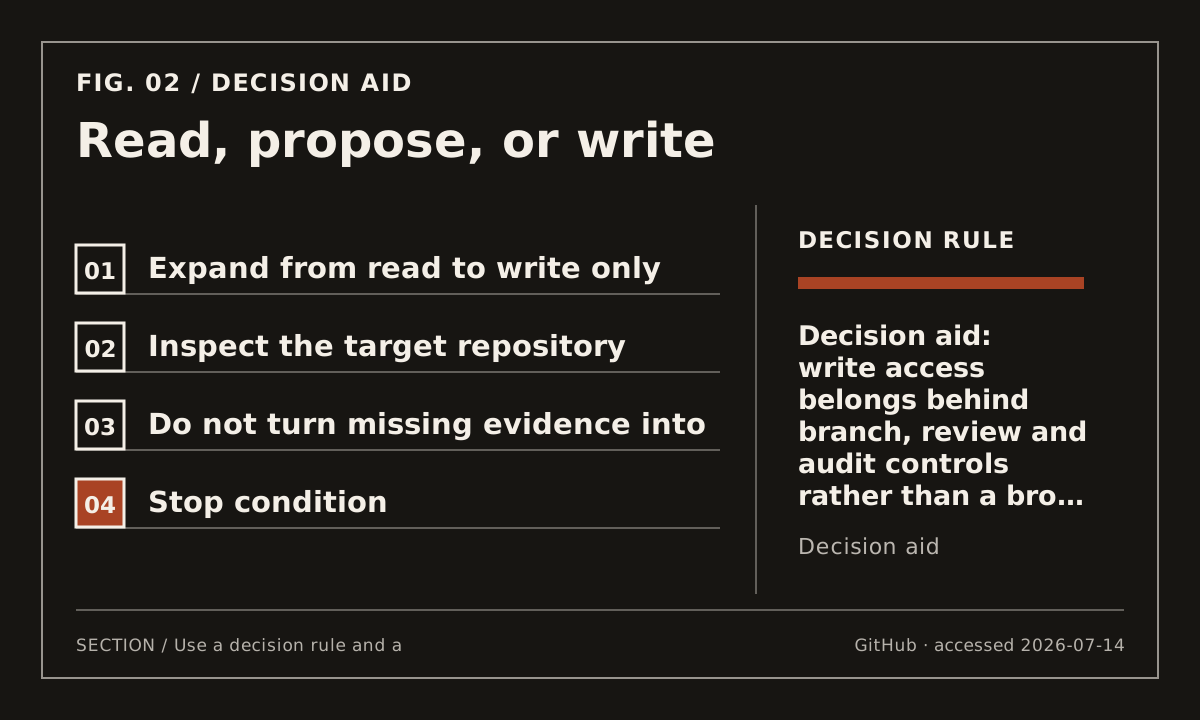
Expand from read to write only when the workflow has a reviewable artifact, such as a branch or pull request, and the account cannot bypass the controls you expect to protect the repository.
Inspect the target repository directly after the call, then attempt the same operation outside the approved scope. Rotate or revoke the trial credential and confirm the server can no longer act.
Read, propose, or write
Protect against predictable failure and continue deliberately
For GitHub MCP Server: Setup, Permissions, and Test, the architecture review flags three recurring failure modes: specification versions are mixed; local and remote trust boundaries are conflated; a server is recommended without permission review. Treat them as release checks, not footnotes. This page remains draft when its exact implementation or intent evidence is still research-gated.
Use the MCP server evaluation guide next: it shows how to screen ownership, capabilities and access before connection.
Use the Claude MCP setup guide next: it places a server at the correct Claude Code configuration scope.
Use the MCP field guide next: it reconnects the decision to protocol roles and versioned boundaries.