Start with the job: connect Jira through MCP without overbroad project access
Jira access through Atlassian Rovo MCP inherits real Atlassian identity and product permissions. Start with read and search in one non-sensitive project, then add write only for a workflow whose issue changes are directly reviewable.
A familiar Jira interface does not make model-initiated actions low risk. Project visibility, issue comments, transitions and cross-product search can expose or change more than the prompt suggests.
Make the operating boundary visible
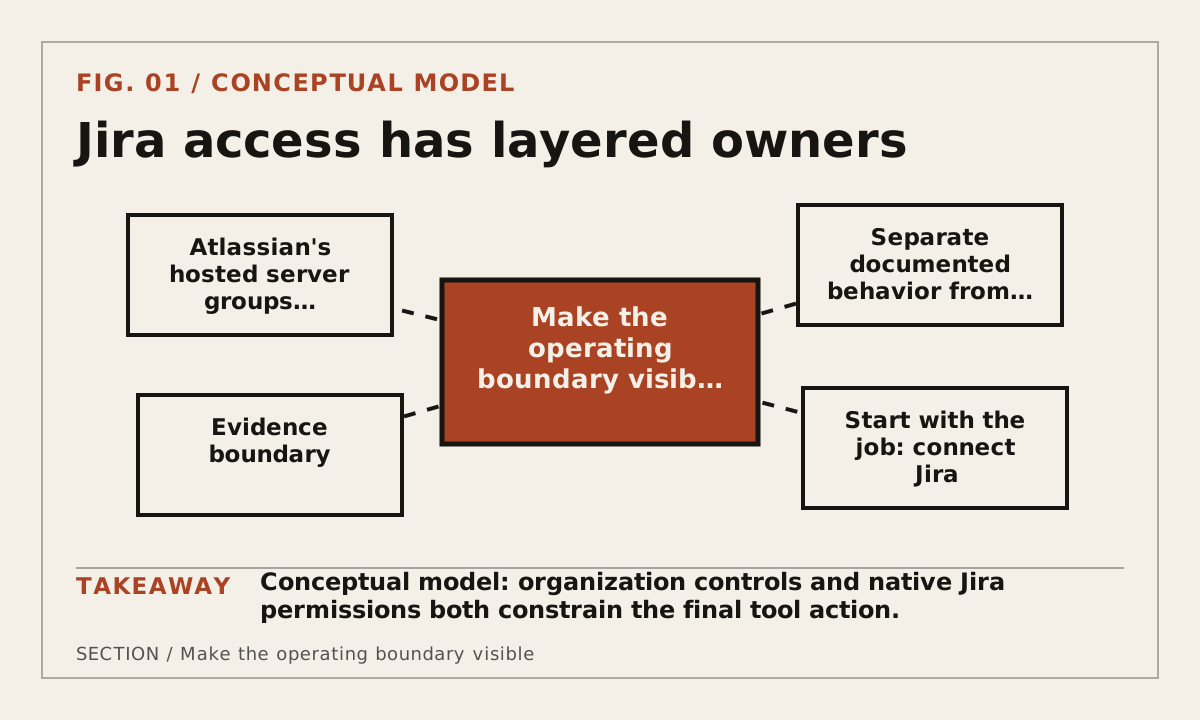
Atlassian's hosted server groups supported tools by intents such as read, write and search. Organization controls, user permissions, cloud identity and authentication method combine to determine what an MCP client can actually do.
Jira access has layered owners
Build a reproducible path
For Jira MCP: Setup and Permission Boundaries, use a small fixture that another developer can repeat without privileged production data. Change one boundary at a time and preserve the exact configuration needed to explain how the page's decision was reached.
- Select the Atlassian site, project and test account for the integration.
- Allow only the required permission group and confirm the user's native Jira access.
- Inspect supported tools and use the correct cloud identifier for the target site.
- Test an allowed read, a denied project and a reviewed write with audit evidence.
Keep secrets outside the jira mcp artifact. Record variable names, scopes and owners, then verify the relevant system of record whenever this tool or workflow can change external state.
Record evidence that survives a rerun
Record organization-level settings separately from the user's Jira permissions. For each test, preserve the issue key, requested action and the Jira record or audit event that proves the result.
- Atlassian organization, site and cloud identifier
- Authentication method and account owner
- Allowed read, write and search permission groups
- Target project scope and resulting Jira audit evidence
Date the Jira MCP: Setup and Permission Boundaries record and keep factual observations separate from inference. If a claim depends on a hosted service, preview feature or moving SDK, name that dependency beside the claim.
Use a decision rule and a stopping rule
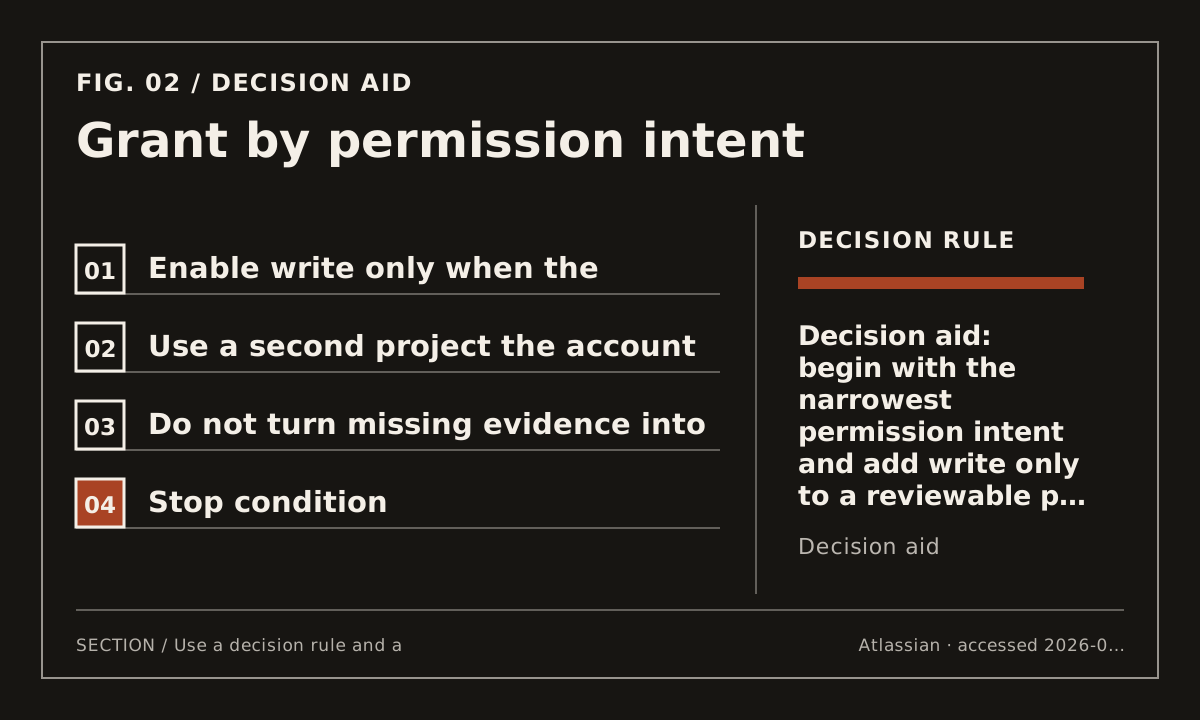
Enable write only when the business process already defines who may create, edit or transition issues and how mistakes are reversed. Keep broad search disabled when the job needs only a single project.
Use a second project the account must not reach, remove a permission at the administration layer and repeat the call. Confirm failure in both the client and Jira rather than relying on one error message.
Grant by permission intent
Protect against predictable failure and continue deliberately
For Jira MCP: Setup and Permission Boundaries, the architecture review flags three recurring failure modes: specification versions are mixed; local and remote trust boundaries are conflated; a server is recommended without permission review. Treat them as release checks, not footnotes. This page remains draft when its exact implementation or intent evidence is still research-gated.
Use the Context7 MCP test next: it checks retrieved documentation against identity and version evidence.
Use the MCP field guide next: it reconnects the decision to protocol roles and versioned boundaries.