Start with the job: build and host a minimal agent with Microsoft Agent Framework
Microsoft Agent Framework combines agent abstractions with explicit workflows, sessions, middleware and telemetry. Because the official overview identifies it as public preview, any walkthrough must pin packages and separate current behavior from stable commitments.
Do not merge older AutoGen or Semantic Kernel instructions into the new framework without a migration source. Similar concepts and shared lineage do not make package names or hosting behavior interchangeable.
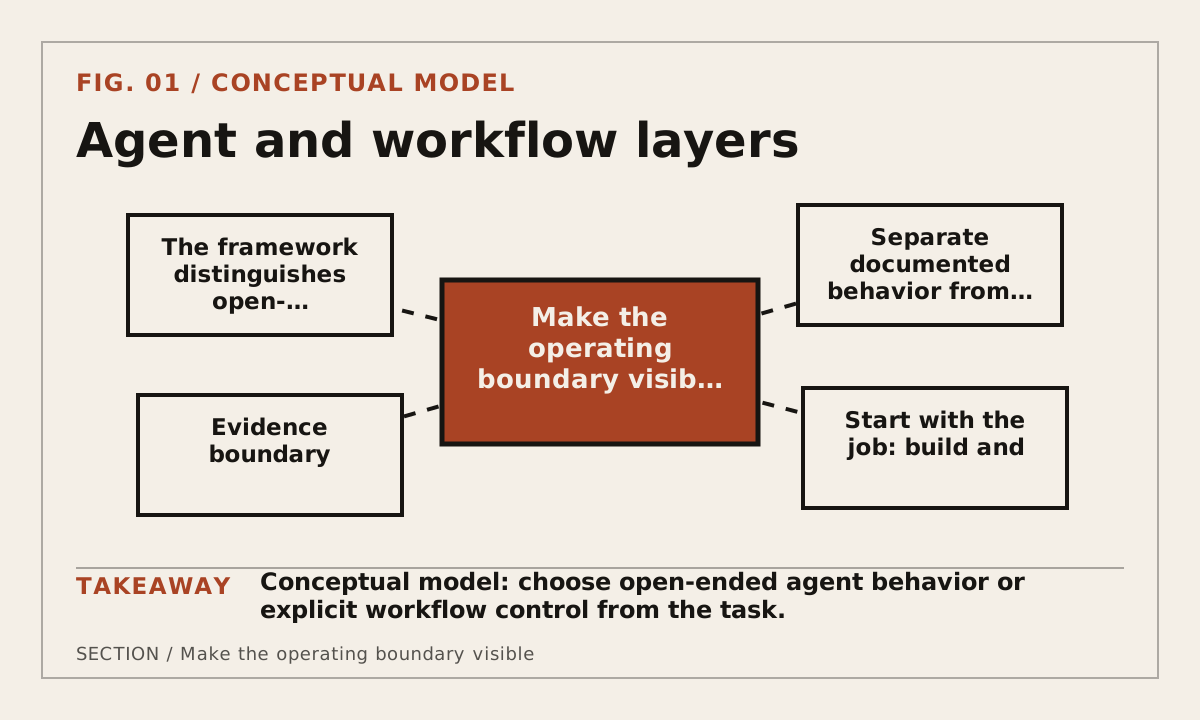
Make the operating boundary visible
The framework distinguishes open-ended agents from workflows with defined execution order. Sessions hold conversation state, middleware can intercept behavior and workflow graphs coordinate agents or functions across steps.
Agent and workflow layers
Build a reproducible path
For Microsoft Agent Framework: A Practical Walkthrough, use a small fixture that another developer can repeat without privileged production data. Change one boundary at a time and preserve the exact configuration needed to explain how the page's decision was reached.
- Choose agent or workflow from the task's control requirements.
- Pin the preview package, provider and runtime used by the fixture.
- Add one bounded tool, explicit session state and telemetry boundary.
- Run success, denied tool, restart and hosting checks.
Keep secrets outside the microsoft agent framework artifact. Record variable names, scopes and owners, then verify the relevant system of record whenever this tool or workflow can change external state.
Record evidence that survives a rerun
Preserve the project lock, provider configuration without secrets, official preview status and sanitized telemetry. Hosting claims must identify the concrete integration rather than inheriting assumptions from the broader Microsoft ecosystem.
- Framework package and preview status
- Provider, agent or workflow choice
- Session, middleware and tool boundary
- Telemetry, hosting and restart behavior
Date the Microsoft Agent Framework: A Practical Walkthrough record and keep factual observations separate from inference. If a claim depends on a hosted service, preview feature or moving SDK, name that dependency beside the claim.
Use a decision rule and a stopping rule
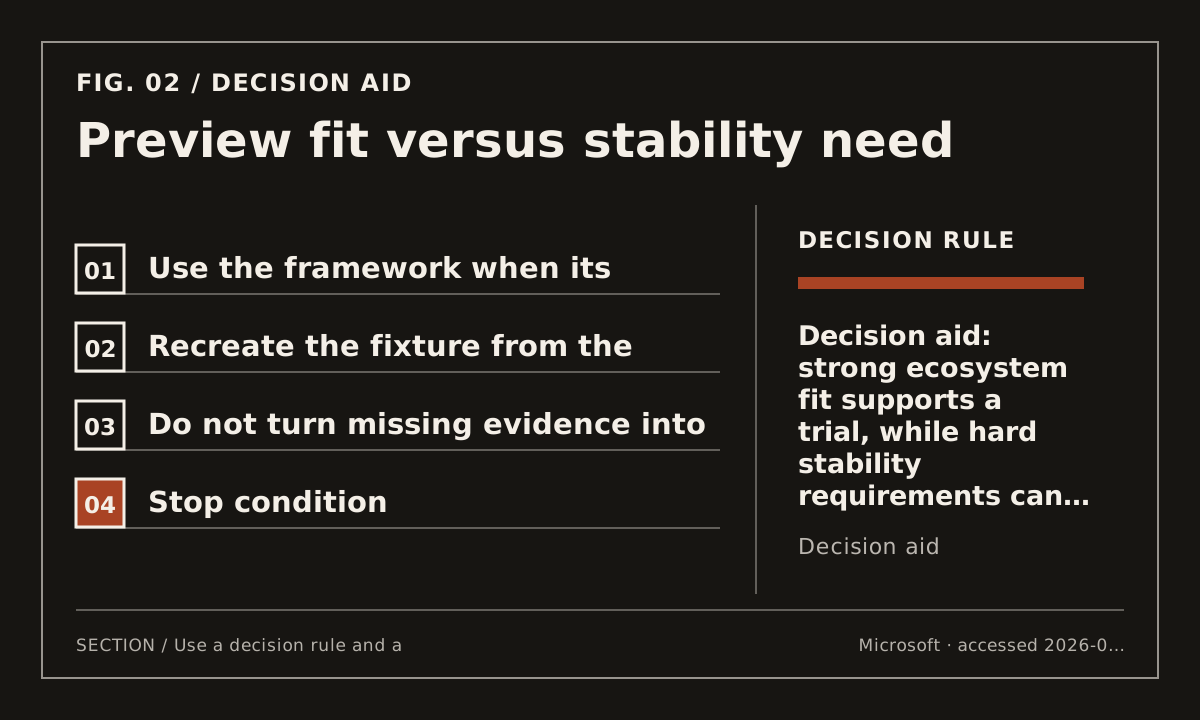
Use the framework when its Microsoft ecosystem integrations and workflow controls match the operating environment, while budgeting for preview change. Avoid adoption when stability guarantees are a hard gate the current status cannot meet.
Recreate the fixture from the pinned packages, disable or deny the tool and restart with saved state. Inspect telemetry for sensitive payloads before treating default observability as production-ready.
Preview fit versus stability need
Protect against predictable failure and continue deliberately
For Microsoft Agent Framework: A Practical Walkthrough, the architecture review flags three recurring failure modes: the page becomes a vendor listicle; frameworks are compared on different tasks; deployment and observability costs are ignored. Treat them as release checks, not footnotes. This page remains draft when its exact implementation or intent evidence is still research-gated.
Use the framework implementation series next: it holds one fixture constant across different runtimes.
Use the OpenAI Agents SDK walkthrough next: it connects bounded tools with trace and handoff evidence.
Use the AI agent framework field guide next: it starts selection from a fixed production job and hard requirements.